In today’s hybrid work environment, printing remains an essential yet often overlooked part of an organization’s IT infrastructure. Whether it’s confidential HR documents or critical client IP, printers frequently handle sensitive information, making them a potential security blind spot.
That’s why Zero Trust principles aren’t just for networks and apps anymore, they’re essential for print environments too. And with PaperCut’s Zero Trust–aligned features, you can secure your print infrastructure without slowing down productivity.
Zero Trust is a cybersecurity framework rooted in one core principle: never trust, always verify.
Traditionally, networks trusted devices and users inside the perimeter. But with cloud apps, remote work, and BYOD, trust boundaries have disappeared. Zero Trust assumes breaches WILL happen and focuses on minimizing risk by authenticating and authorizing users and devices on every interaction.
In the context of printing, this means:
Without Zero Trust controls, print environments are vulnerable to unauthorized access, data leakage, and compliance gaps, especially in industries like healthcare, finance, and government.
PaperCut isn’t just print management software, it’s a security enabler. Here’s how it supports Zero Trust in your print environment:
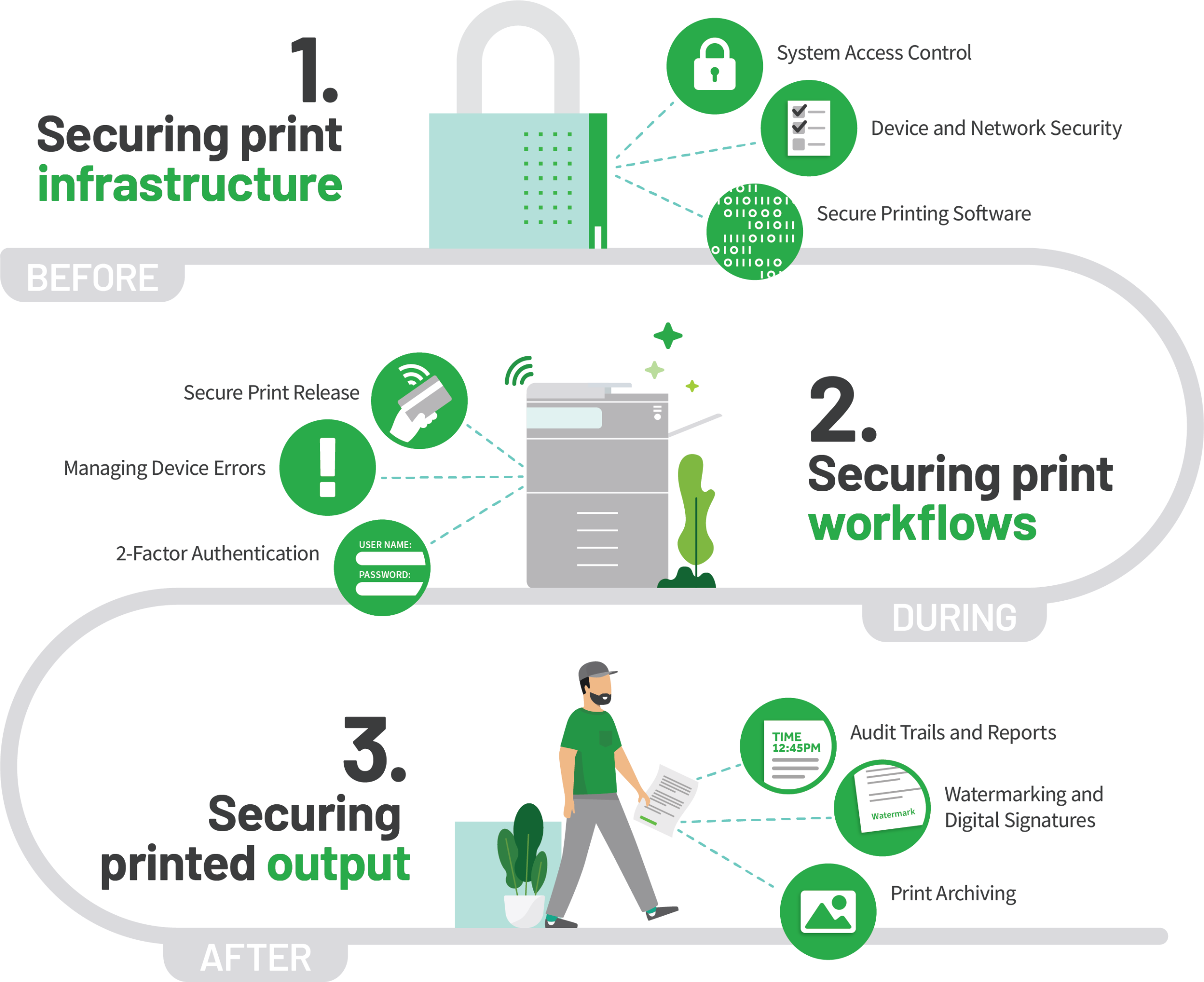
PaperCut integrates with corporate identity systems, such as LDAP, Active Directory, Azure AD, and single sign-on (SSO), ensuring that every print action is tied to a verified user.
With secure release features like Follow-Me Print or Release Stations, documents aren’t printed until the user is physically at the device and authenticated.
Not all users should have access to all devices or features.
PaperCut lets admins define:
PaperCut encrypts communications between devices and servers, safeguarding data in transit.
Want visibility into who printed what, when, and where? PaperCut’s reporting gives you:
Implementing Zero Trust–aligned print controls with PaperCut delivers measurable improvements:
As work continues to evolve, with hybrid environments, mobile users, and cloud‑first platforms, your print security strategy needs to evolve too.
PaperCut’s Zero Trust–ready print management doesn’t just secure your devices, it strengthens your entire ecosystem by delivering:
In other words: trust no print job until it’s proven safe.
If you’re ready to implement Zero Trust principles across your print infrastructure, we’re here to help. Contact us for a consultation and see how PaperCut can transform your print security.
Join our exclusive webinar and learn how PaperCut MF & PaperCut Hive help you enforce Zero Trust Document Security across your organization
Discover how IT, Admin, Purchasing, and Procurement teams can protect critical information while improving efficiency.
IT Professionals | Admin Offices | Purchasing & Procurement Teams
January 9, 2026 | Blogs
READ MOREAugust 26, 2025 | Blogs
READ MORESeptember 4, 2025 | Blogs
READ MORE